 vTree
Keyboard file manager for macOS · free · MIT
Your whole disk, one keystroke away.
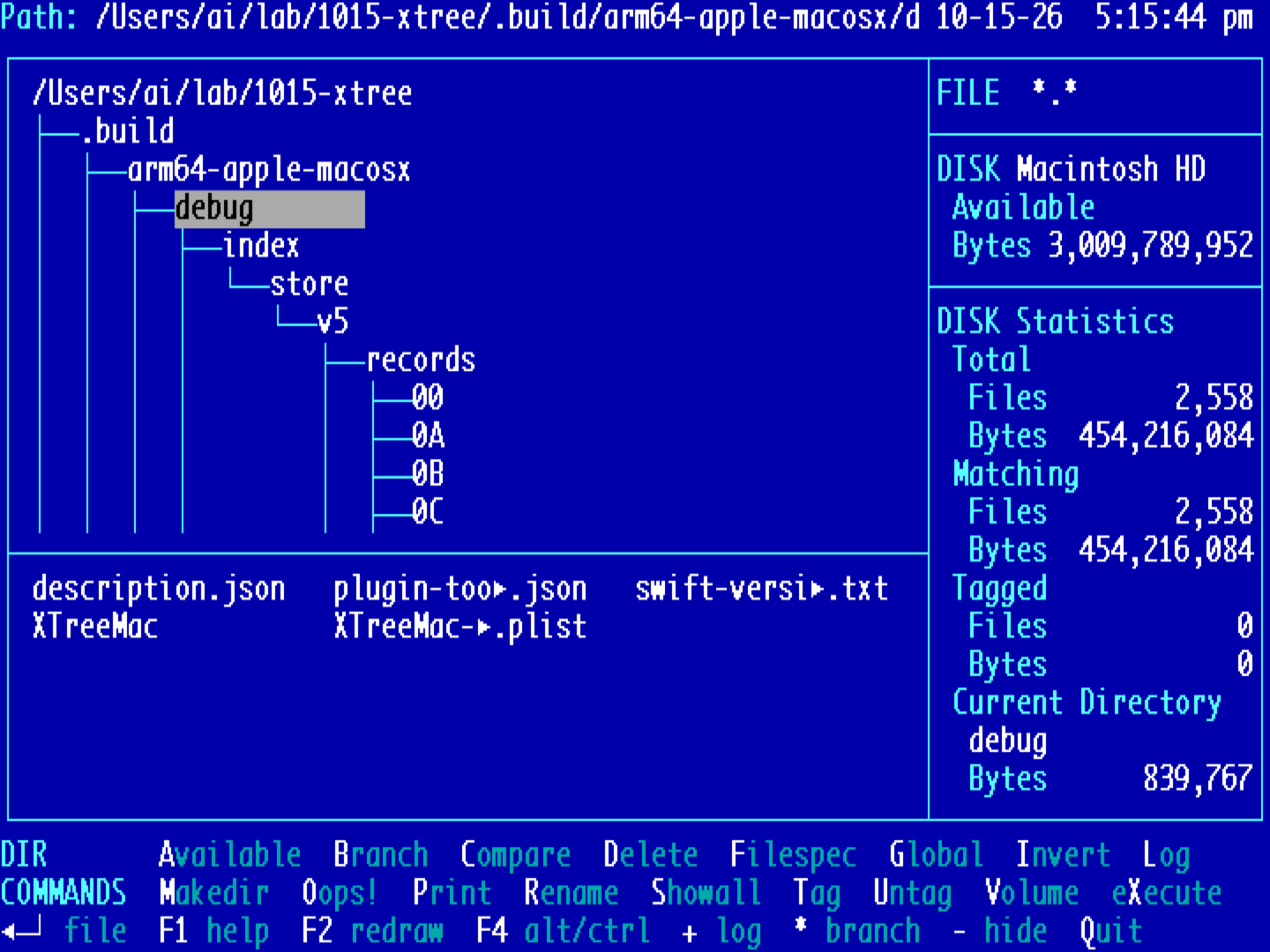
vTree brings back the tree-and-command-bar layout of the classic DOS file managers, rebuilt as a native Mac app. Walk the tree with the arrow keys, tag files across folders, then copy, move or delete them in one go. Every command is a single letter, and they're all written on the screen, so there's nothing to memorise.
[VERSION] · macOS 13 or later · Apple silicon and Intel · Windows planned
Press V. See anything.
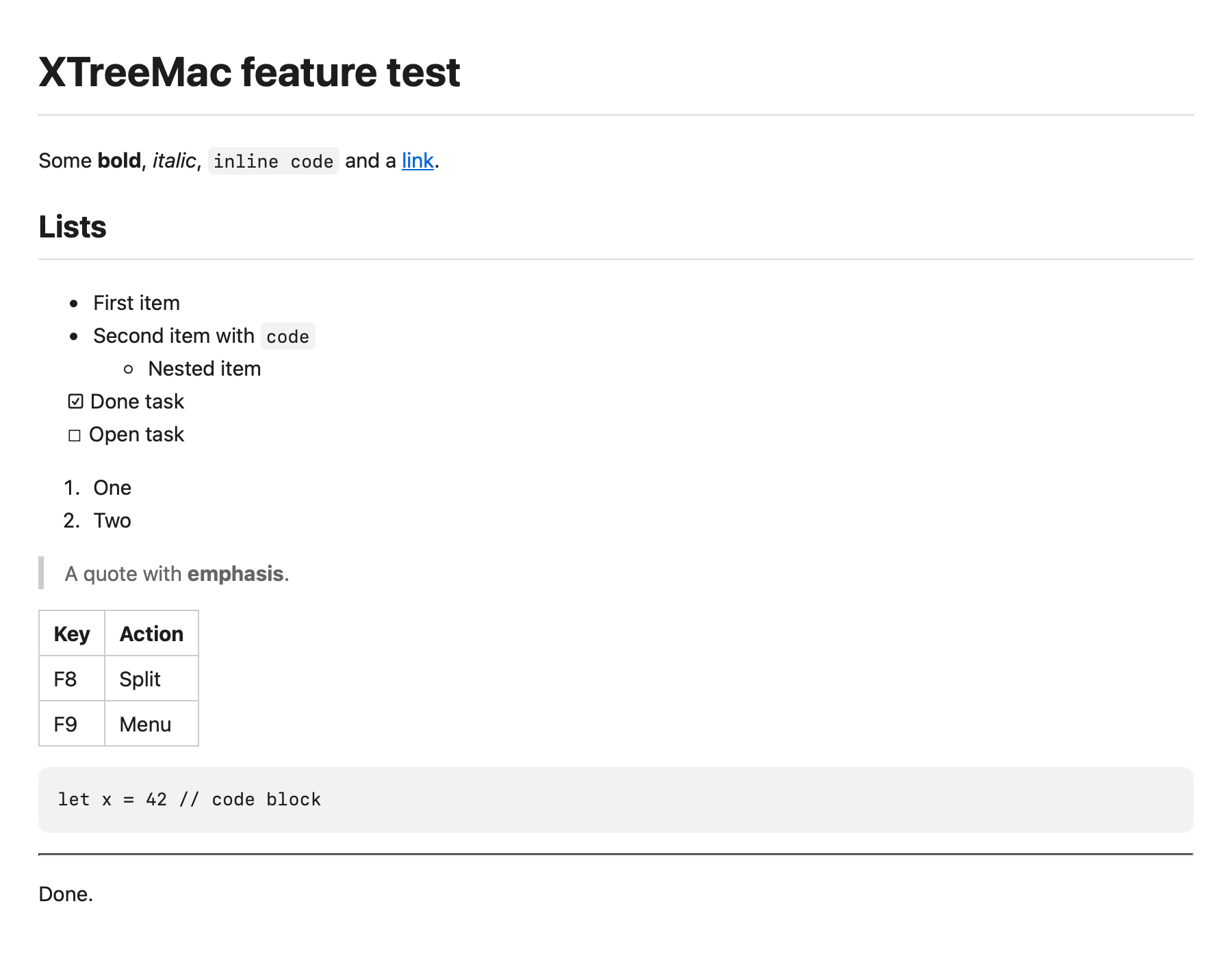
Highlight a file and press V. PDFs, images, Markdown, Word documents, audio and video open in the native viewer. Code and text get a fast text or hex viewer. Zip and tar archives open like folders. One key, no app launching, no waiting.
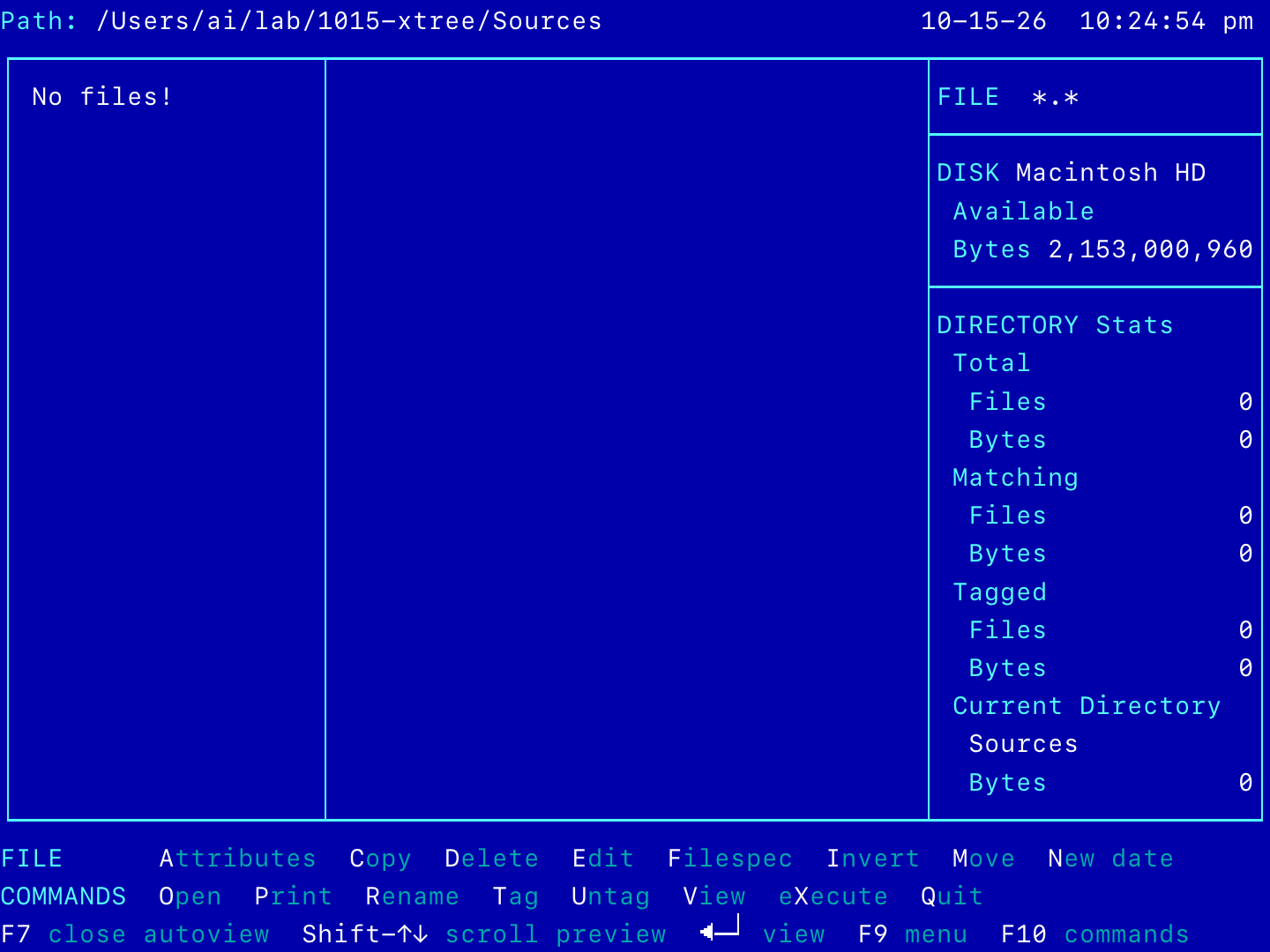
F7 Autoview keeps a live preview next to the file list as you move.
Why would anyone want this in 2026?
Your hands stay put.
Arrow keys and one letter. No hunting through Finder windows.
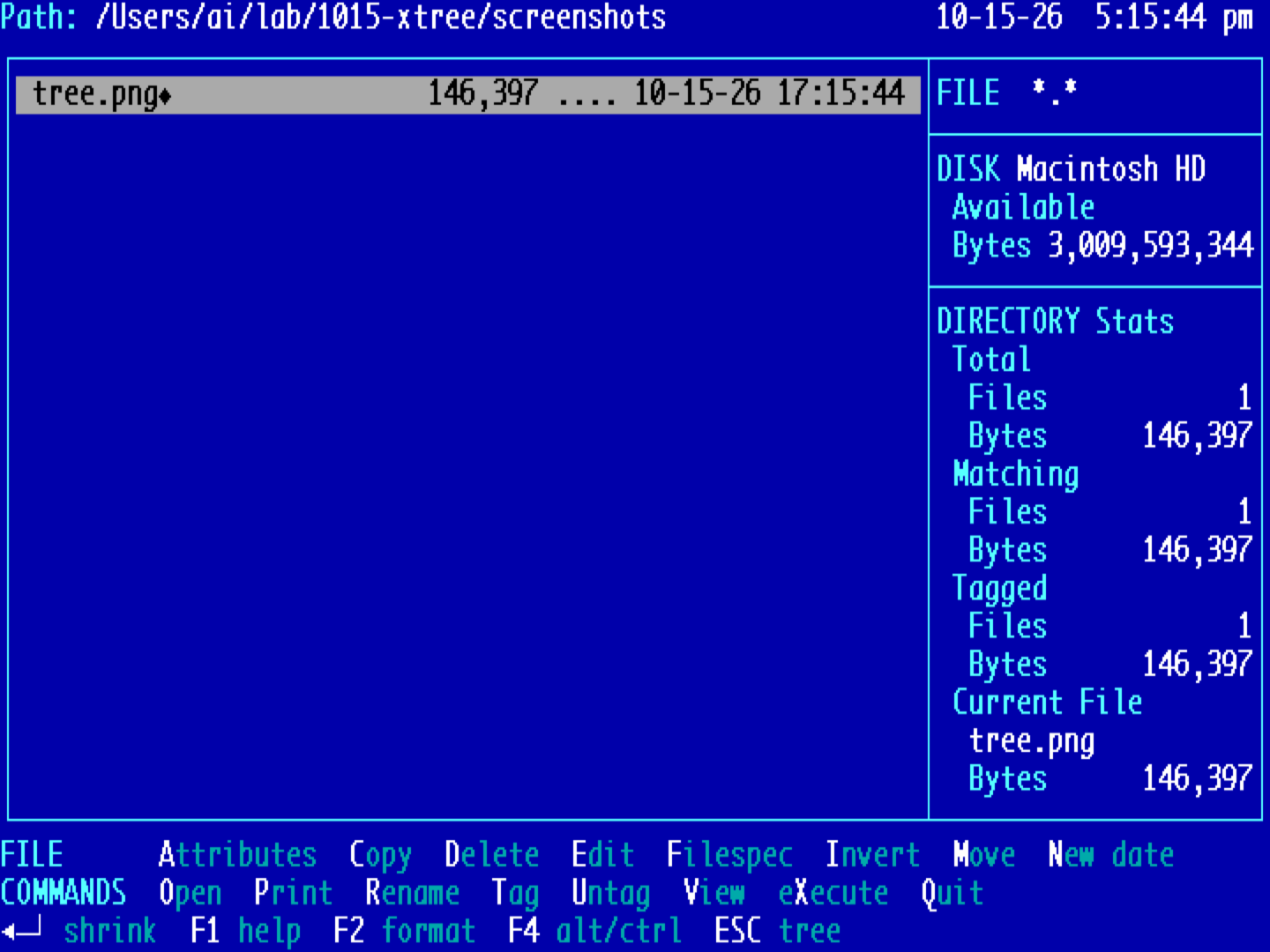
Tag across folders.
Mark files in ten places, then copy them all with one key.
The whole disk at once.
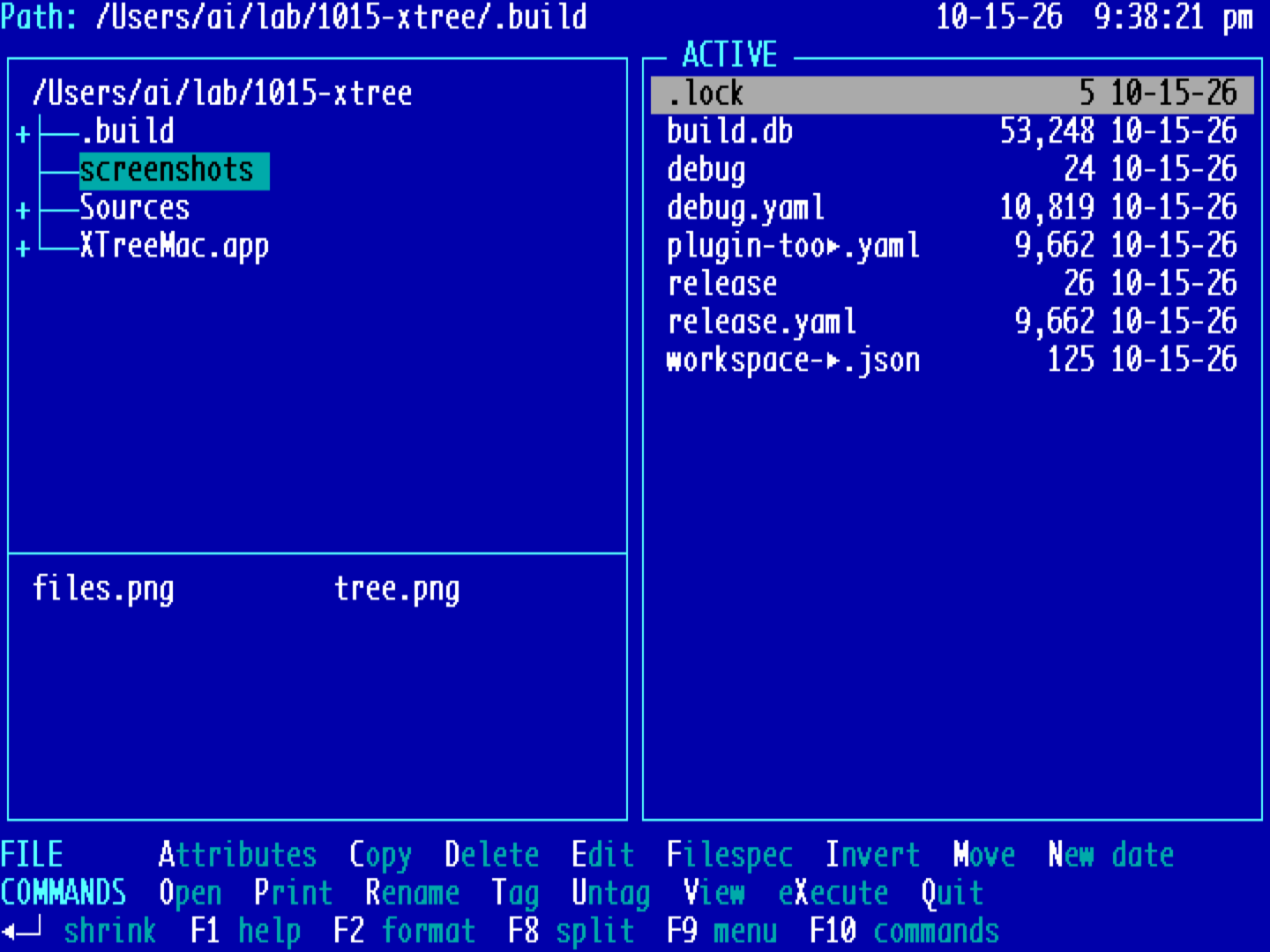
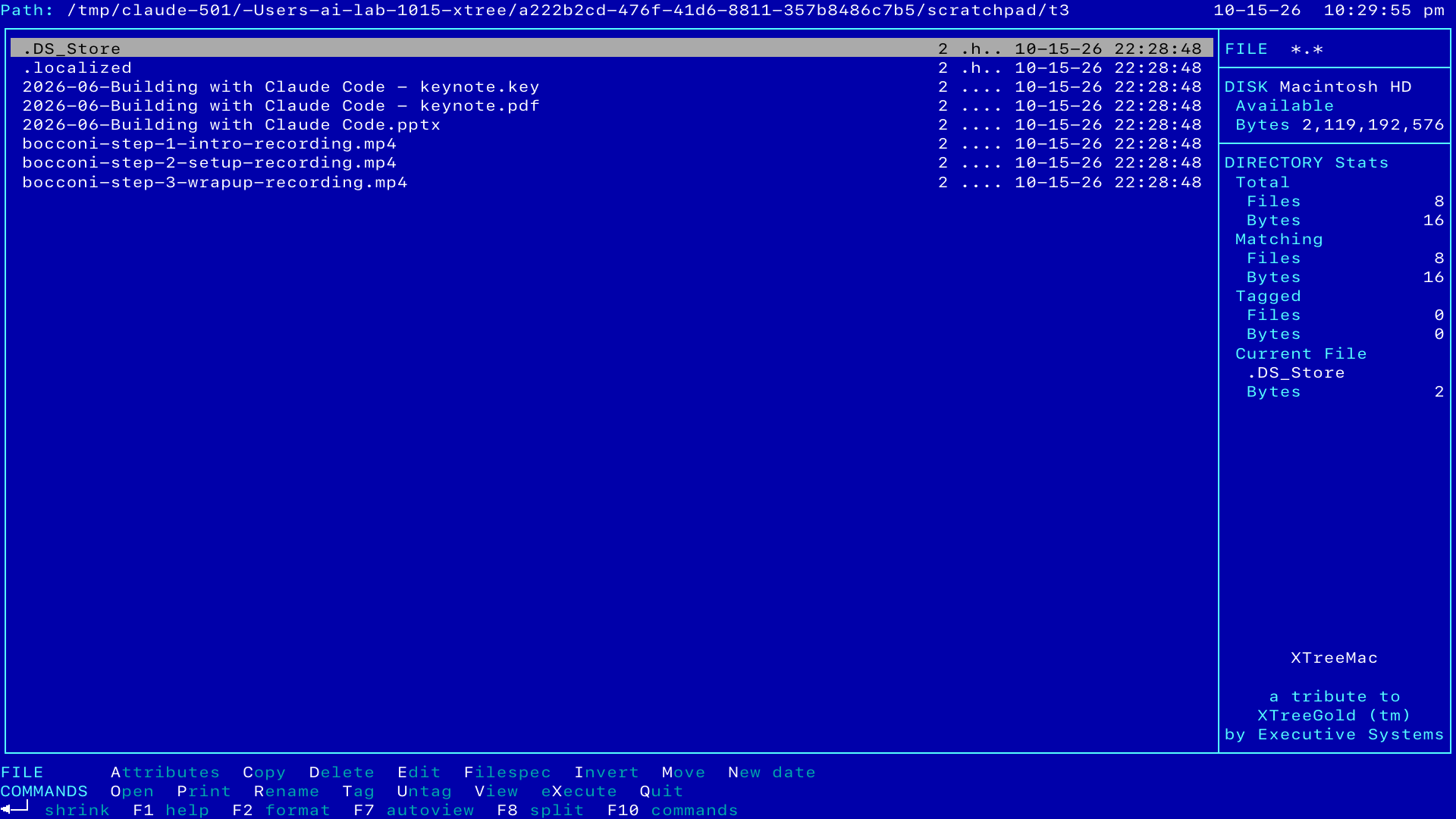
Tree, files and sizes on one screen, the way it used to be.
Hard to break.
Delete goes to the Trash, and Oops! brings it back.
First keys:↑↓ move⏎ filesV viewT tagC copyF8 splitF1 every key
Screens
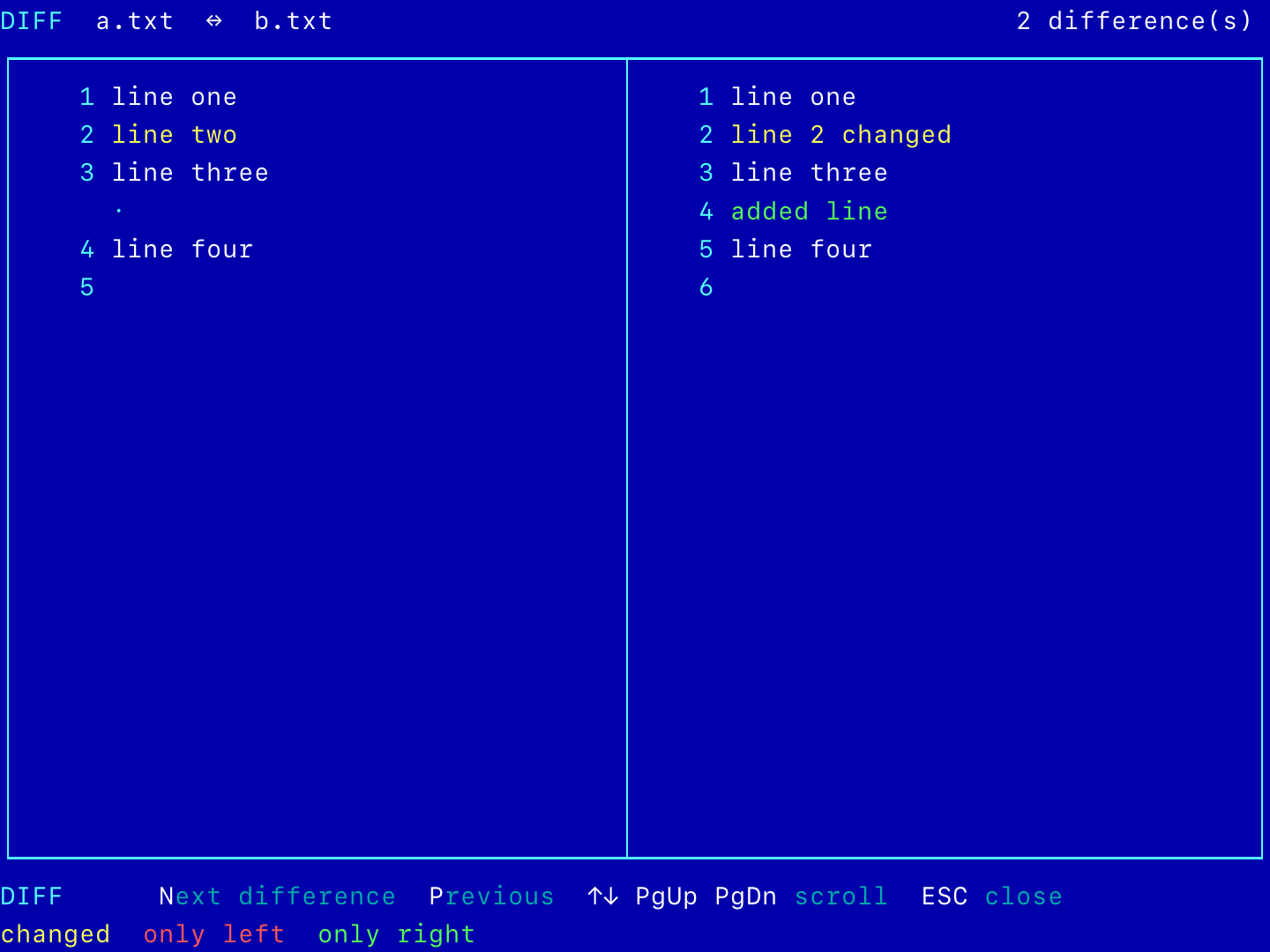
FAQ
Is this XTree Gold?
No. It's a new Mac app inspired by the DOS tree file managers of the late 80s. Same idea, same muscle memory, new code. Not affiliated with anyone who made the originals.
Do I have to use the keyboard?
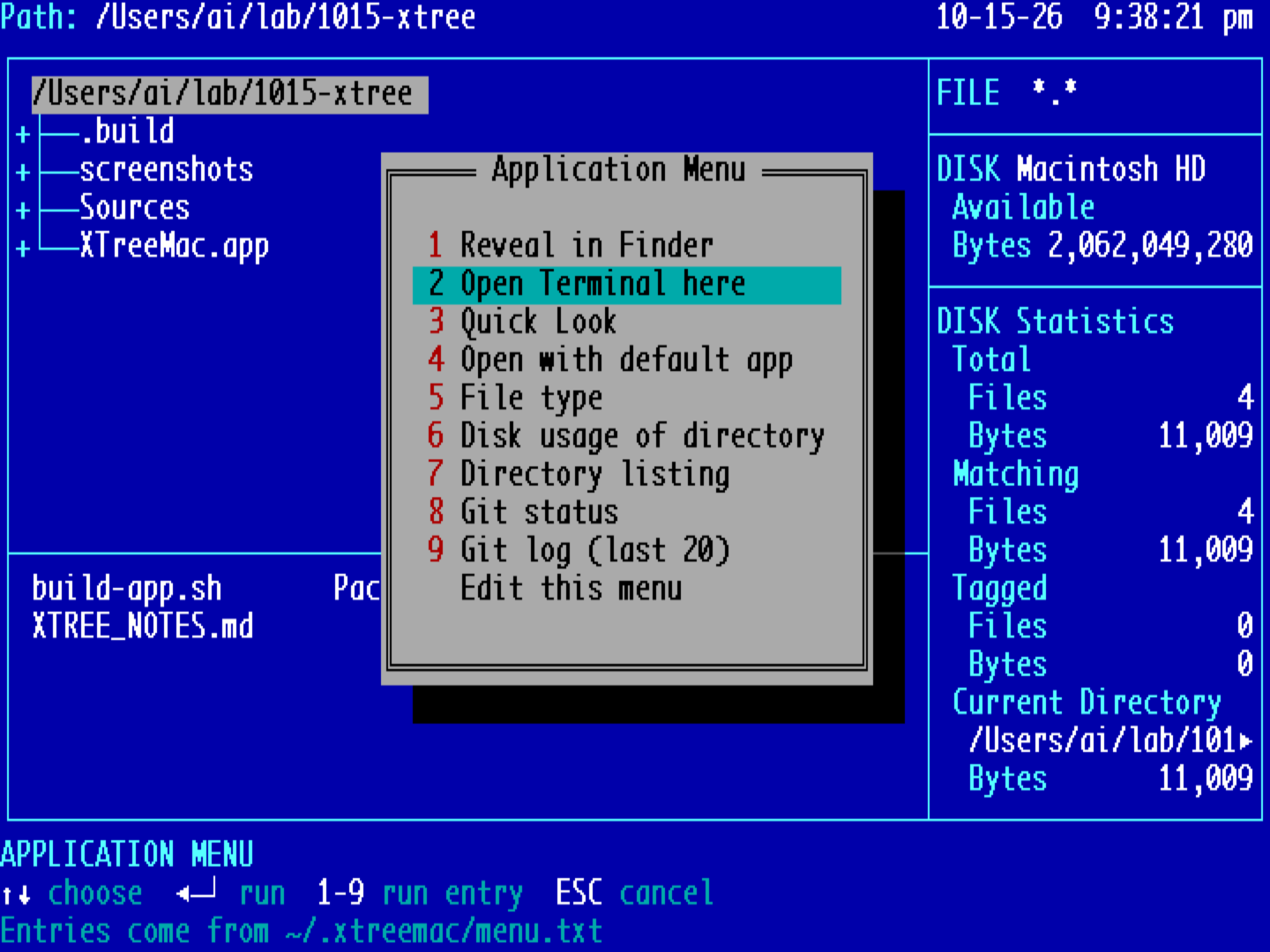
No, but you'll want to. The mouse works, there are pull-down menus (F10), and everything is in the Mac menu bar too, with the shortcuts you already know: ⌘O, ⌘Y for Quick Look, ⌘C / ⌘V with Finder.
What happens when I press D by accident?
The file goes to the Trash. O for Oops! or ⌘Z brings it back. Copy and move ask before replacing anything, and replaced files go to the Trash too.
My file names are long. Will they fit?
The text grid grows with the window. Names that still don't fit get cut in the middle, so you keep the start and the extension: 2026-06-Buil►keynote.key. F2 switches to a names-only layout.
Why isn't it in the Mac App Store?
It runs shell commands and zip and tar for you, so it can't be sandboxed. It's a signed, notarized download instead.
Windows?
Planned. Mac first, because that's where it's being built and used every day.
Download vTree
vTree is MIT licensed. Use it, change it, ship it, sell it. Keep the copyright notice. No warranty.
Needs macOS 13 or later. Apple silicon or Intel. Signed and notarized. Or build it yourself from the source on GitHub.