ABOUT.TXT
Microtree Computing · microtree.dev
Classic software, with a modern twist.
Microtree Computing brings back the software people loved, from the DOS classics to the desktop apps of the 2000s, and rebuilds it to run fast on today's computers.
The screens and habits you already know, without the slow parts. Your files stay on your computer, and old formats open again. Open source and MIT licensed.
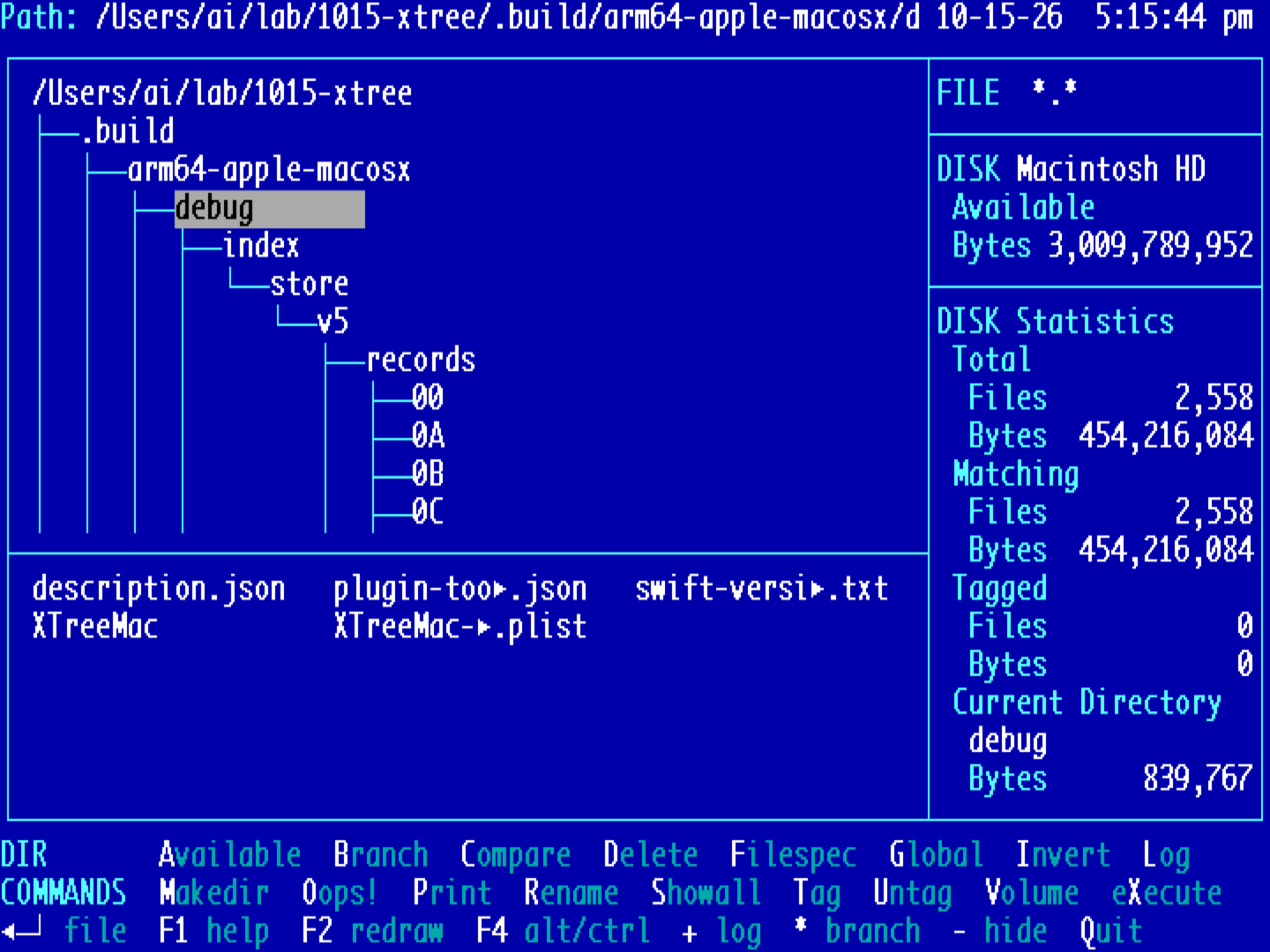
Product 01: vTree
A keyboard file manager for macOS. The tree-and-command-bar layout of the classic DOS file managers, rebuilt as a native Mac app. Free.
In development: vNote, vBase, vCalc, vWord and vMoney. All products
VTREE.EXE
VIEWER.EXE
PRODUCTS
CONTACT.TXT
Microtree Computing
Mail hello@microtree.dev
Code GitHub
Web microtree.dev
Bug reports and ideas are welcome. Issues on GitHub are the fastest way.
LICENSE.TXT
MIT License

Copyright (c) 2026 The vTree authors

Permission is hereby granted, free of charge, to any person obtaining a copy
of this software and associated documentation files (the "Software"), to deal
in the Software without restriction, including without limitation the rights
to use, copy, modify, merge, publish, distribute, sublicense, and/or sell
copies of the Software, and to permit persons to whom the Software is
furnished to do so, subject to the following conditions:

The above copyright notice and this permission notice shall be included in all
copies or substantial portions of the Software.

THE SOFTWARE IS PROVIDED "AS IS", WITHOUT WARRANTY OF ANY KIND, EXPRESS OR
IMPLIED, INCLUDING BUT NOT LIMITED TO THE WARRANTIES OF MERCHANTABILITY,
FITNESS FOR A PARTICULAR PURPOSE AND NONINFRINGEMENT. IN NO EVENT SHALL THE
AUTHORS OR COPYRIGHT HOLDERS BE LIABLE FOR ANY CLAIM, DAMAGES OR OTHER
LIABILITY, WHETHER IN AN ACTION OF CONTRACT, TORT OR OTHERWISE, ARISING FROM,
OUT OF OR IN CONNECTION WITH THE SOFTWARE OR THE USE OR OTHER DEALINGS IN THE
SOFTWARE.
HELP.TXT
This page has keys too
- R About
- P Products
- L Try vTree
- S vTree screens
- C Contact
- 1–6 a product
- \ next wallpaper
- ? this window
- Esc close a window
Drag windows by their title bars. Drag to the left or right edge to snap to half the screen, or to the top to fill it. The back button works.
VNOTE.EXE
02 · macOS · In development
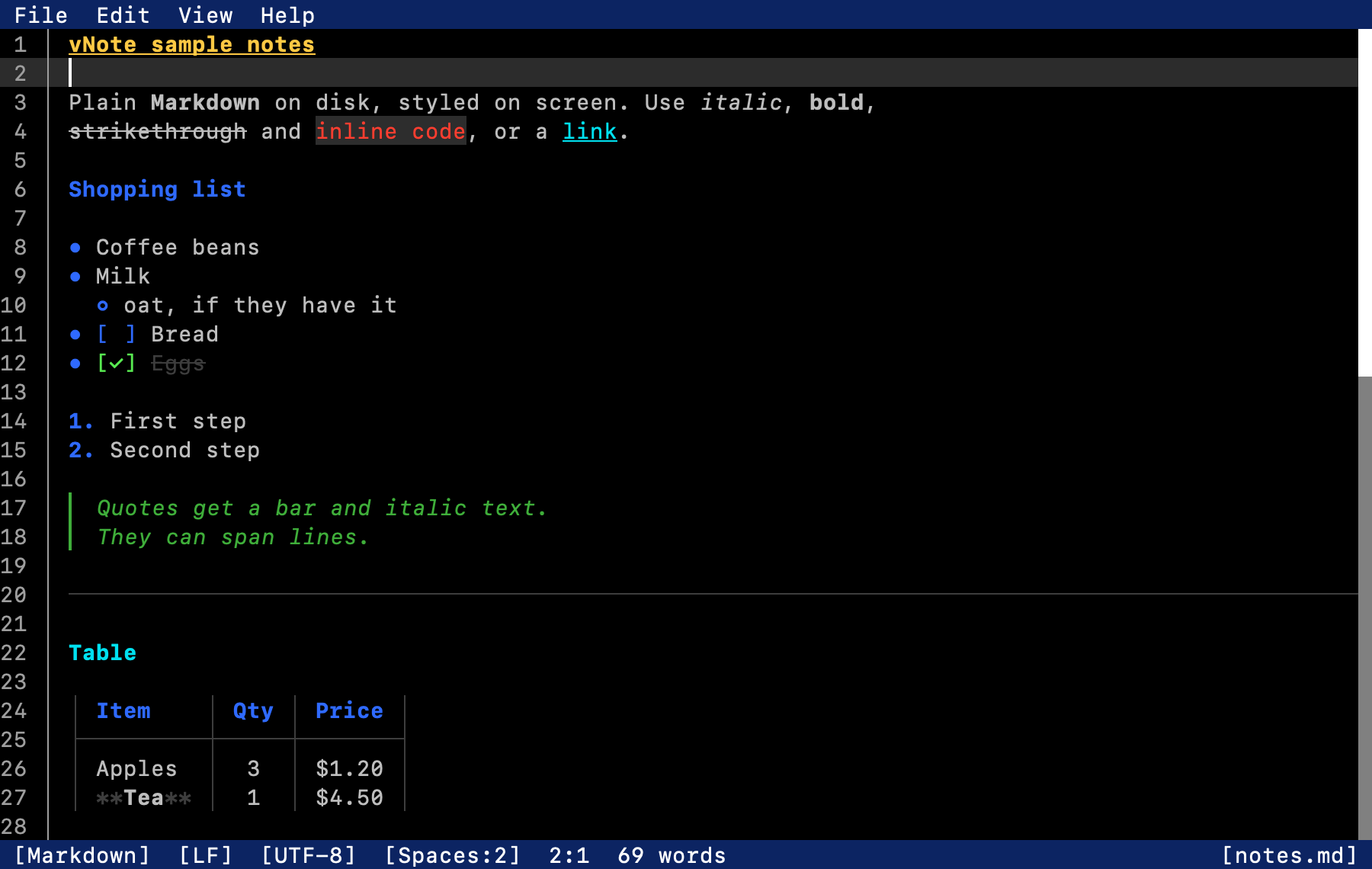
vNote
A Markdown notes editor in the classic Edit look. Styled Markdown as you type, a preview on ⌘⇧V, smart lists and checkboxes, ⌘-click links between notes, and Find in Notes across your notes folder. Autosaves.
VBASE.EXE
03 · macOS · In development
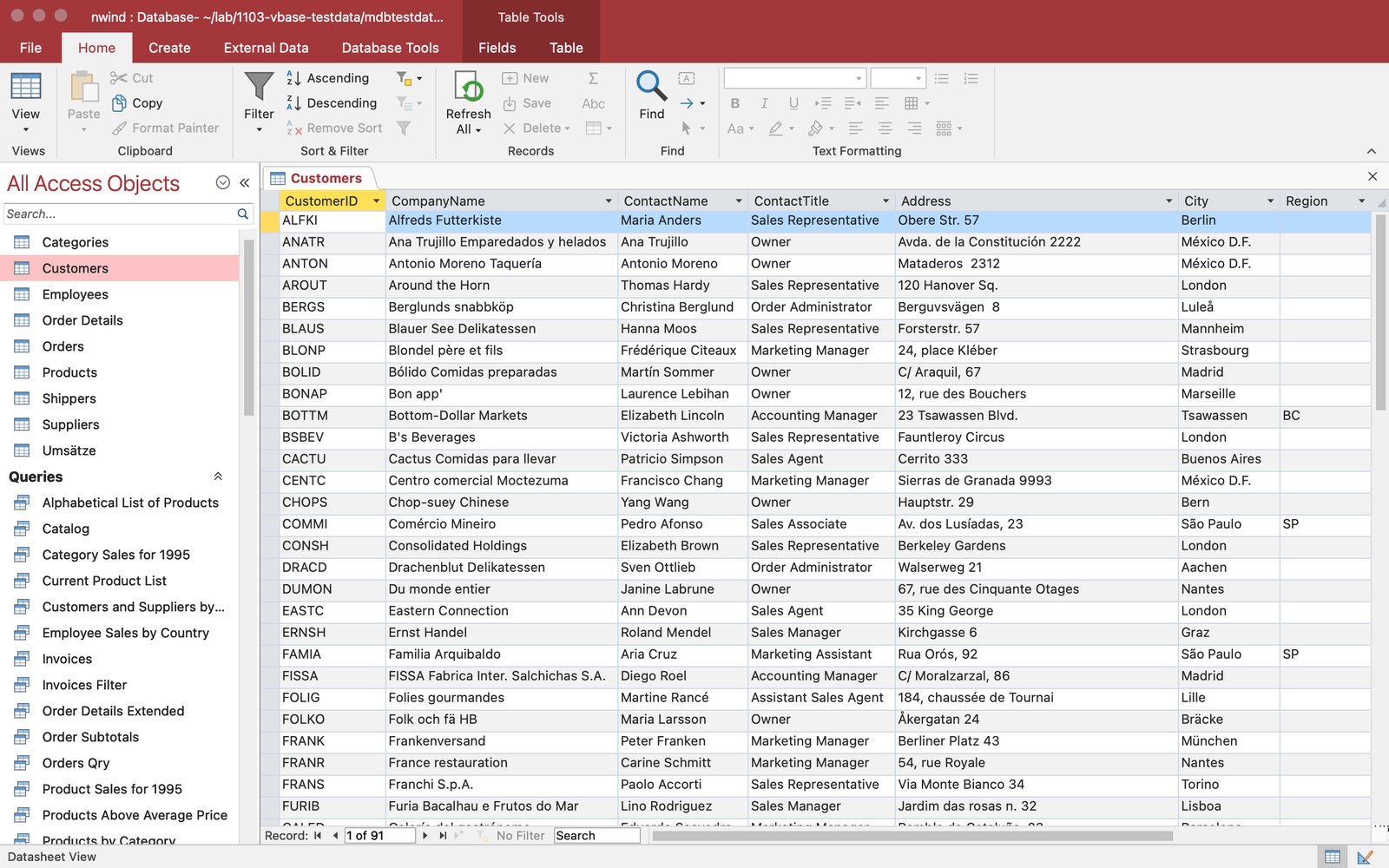
vBase
Open Access databases on a Mac, in the Access look you know: ribbon, navigation pane, datasheets, saved queries, forms and relationships. Read-only, so your file is never touched. Export to Excel, CSV, SQLite or SQL.
VCALC.EXE
04 · macOS · In development
vCalc
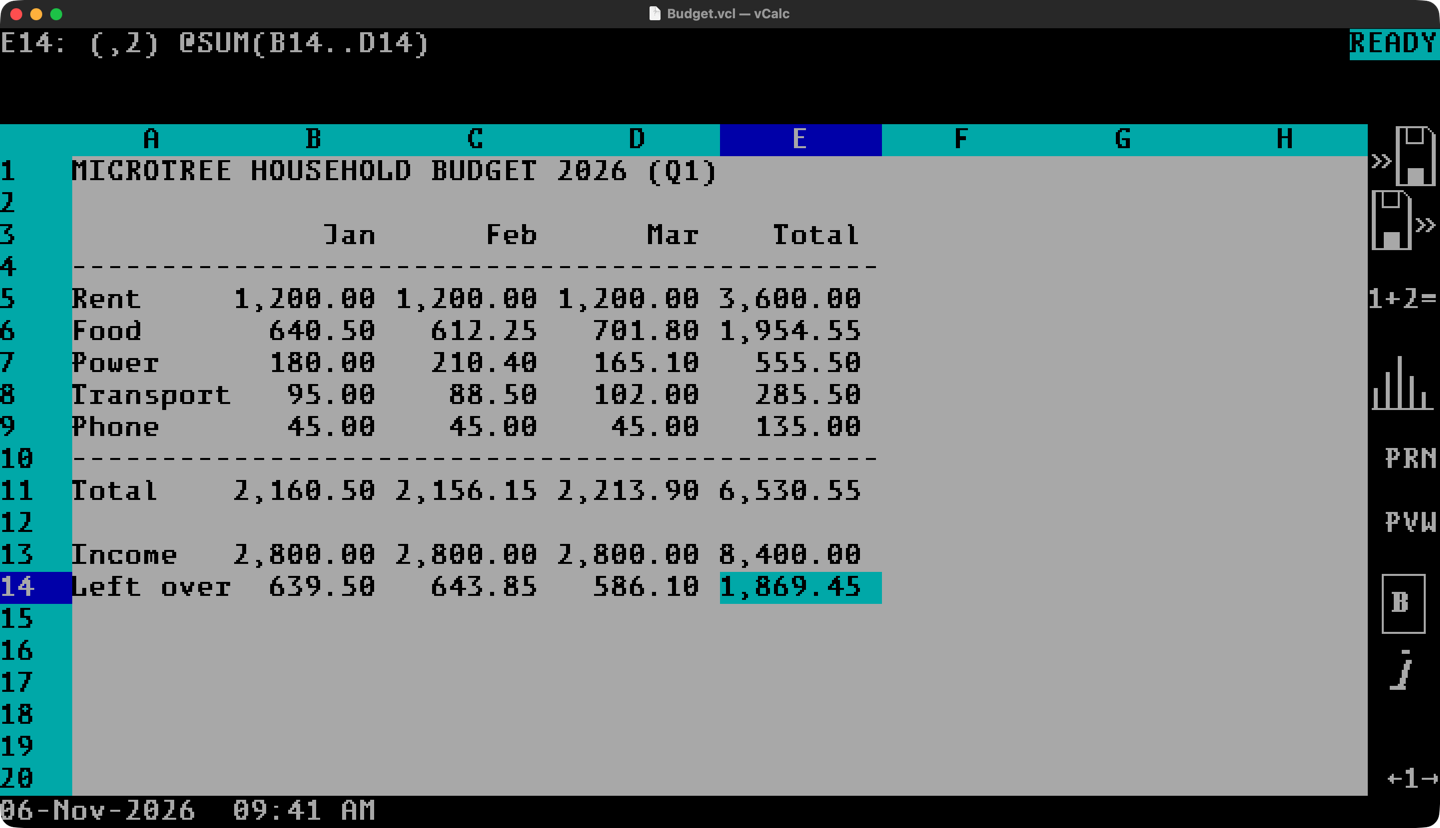
A keyboard spreadsheet in the classic DOS style. Slash menus, @SUM and friends, F10 graphs, macros, and a graphics mode with fonts and lines. Opens CSV and old .wk1 files.
VWORD.EXE
05 · macOS · In development
vWord
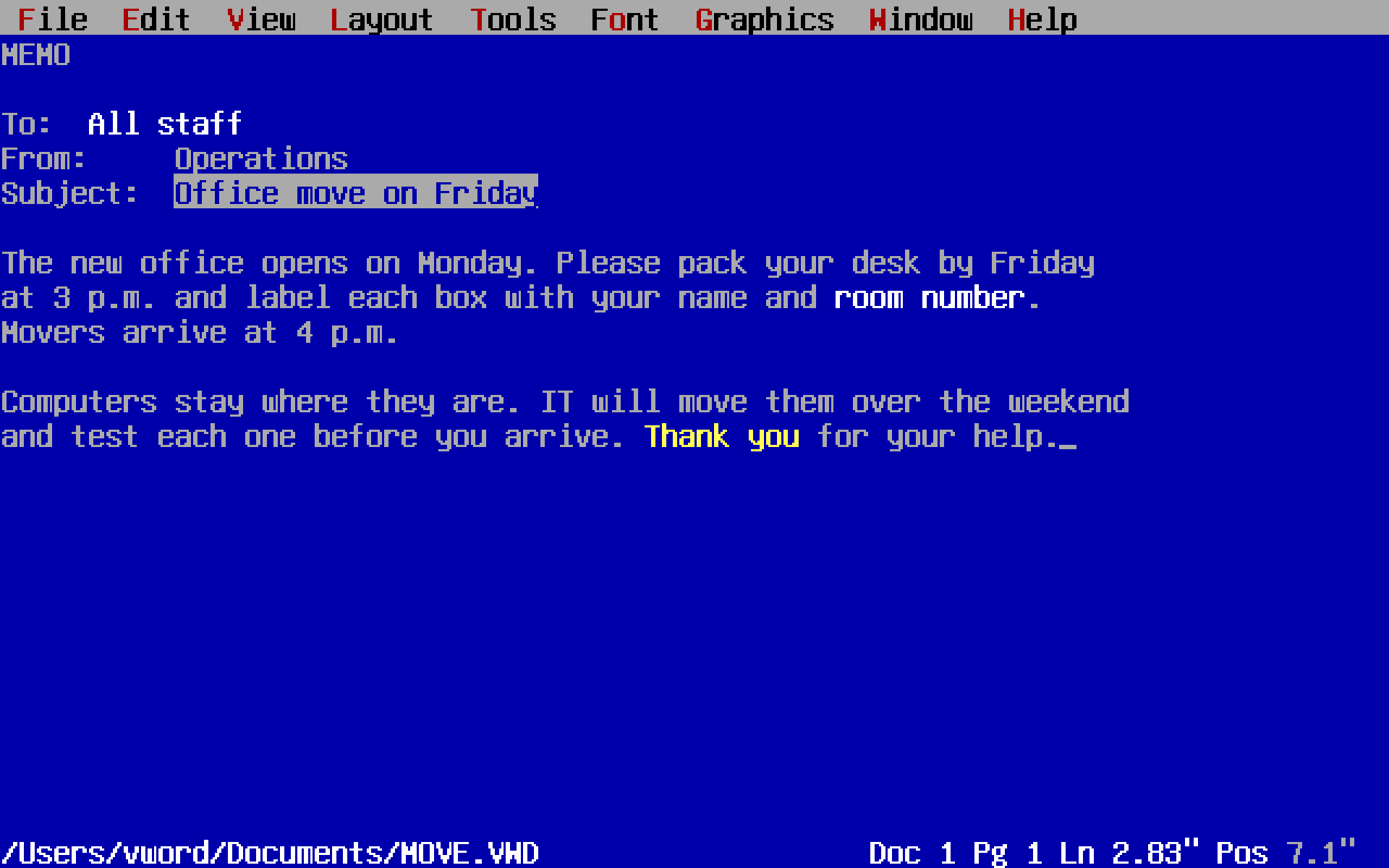
A text-mode word processor in the classic DOS style. Blue screen, function keys, pull-down menus and Reveal Codes. Saves Markdown.
VMONEY.EXE
06 · macOS · In development
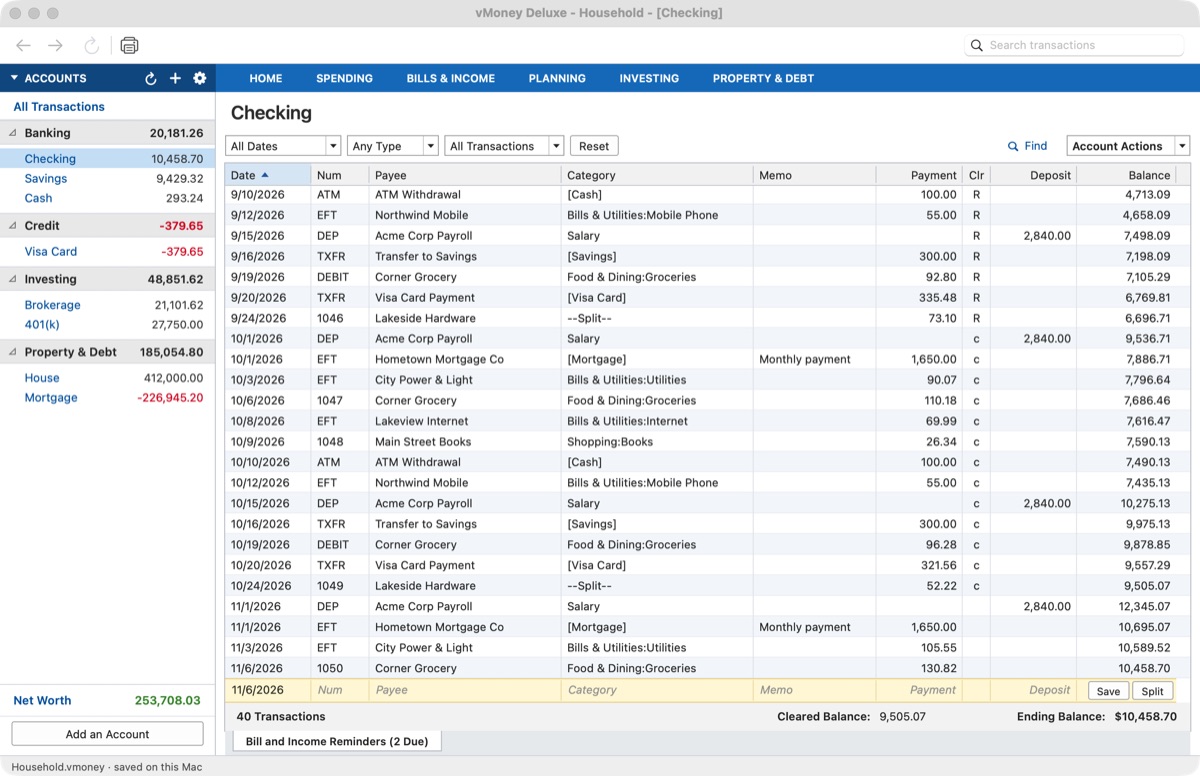
vMoney
A money manager with the account bar, register and reconcile that longtime desktop finance users know. Offline, one file, no subscription. Imports QIF and CSV.